
Updating & Resetting Modpacks
Once an instance is installed from a modpack (or built from the Custom builder), NexCraft remembers what it is, so you can update or rebuild it later without re-finding the pack.
Updating a modpack to a newer version
Use the Update Modpack card on a modpack instance (it appears in the manage grid only for instances installed from CurseForge/Modrinth/FTB, and is admin-only).
- Open Update Modpack. It shows the current pack — icon, name, loader, MC version, installed version and date.
- Pick a newer version from the Version dropdown (the current one is marked).
- Click Update and confirm.
What it does:
- Automatically takes a full backup first, then stops the server.
- Replaces mods / config / loader files with the new version.
- Preserves your world,
server.properties,ops.json,whitelist.json, banned lists,usercache.json,eula.txt, andserver-icon.png. - Re-bootstraps the loader for the new version and restarts the server if it was running.
If the update fails, the server is left stopped (the pre-update backup is your recovery path) rather than booting a half-updated world.
Reset / Reinstall an instance
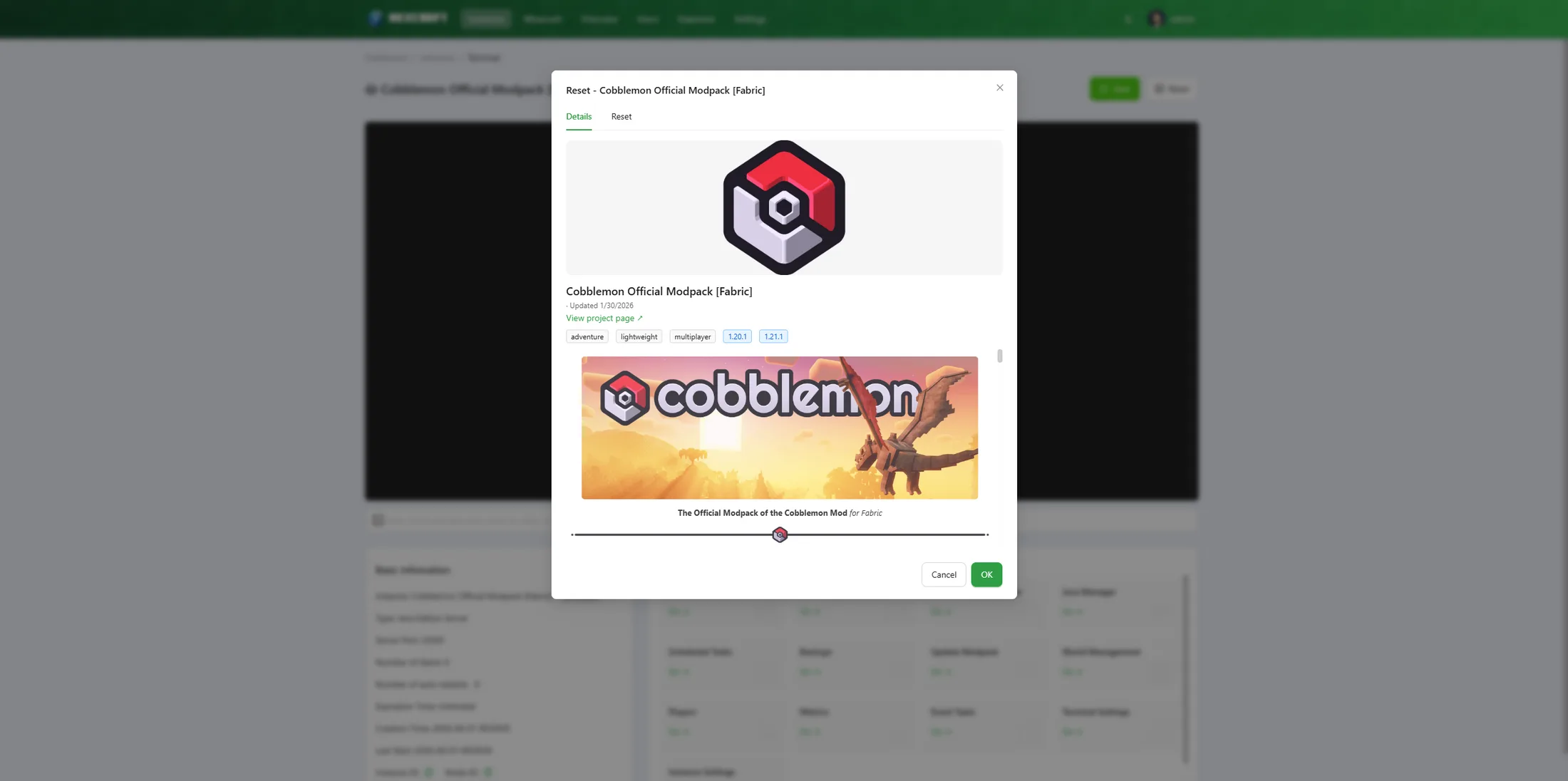
The Reset button (on the instance terminal) rebuilds an instance using the same Minecraft builder. For a modpack or Bedrock instance it opens straight to a focused, version-locked reset popup; for a custom/vanilla Java instance it opens the builder so you can pick a version.
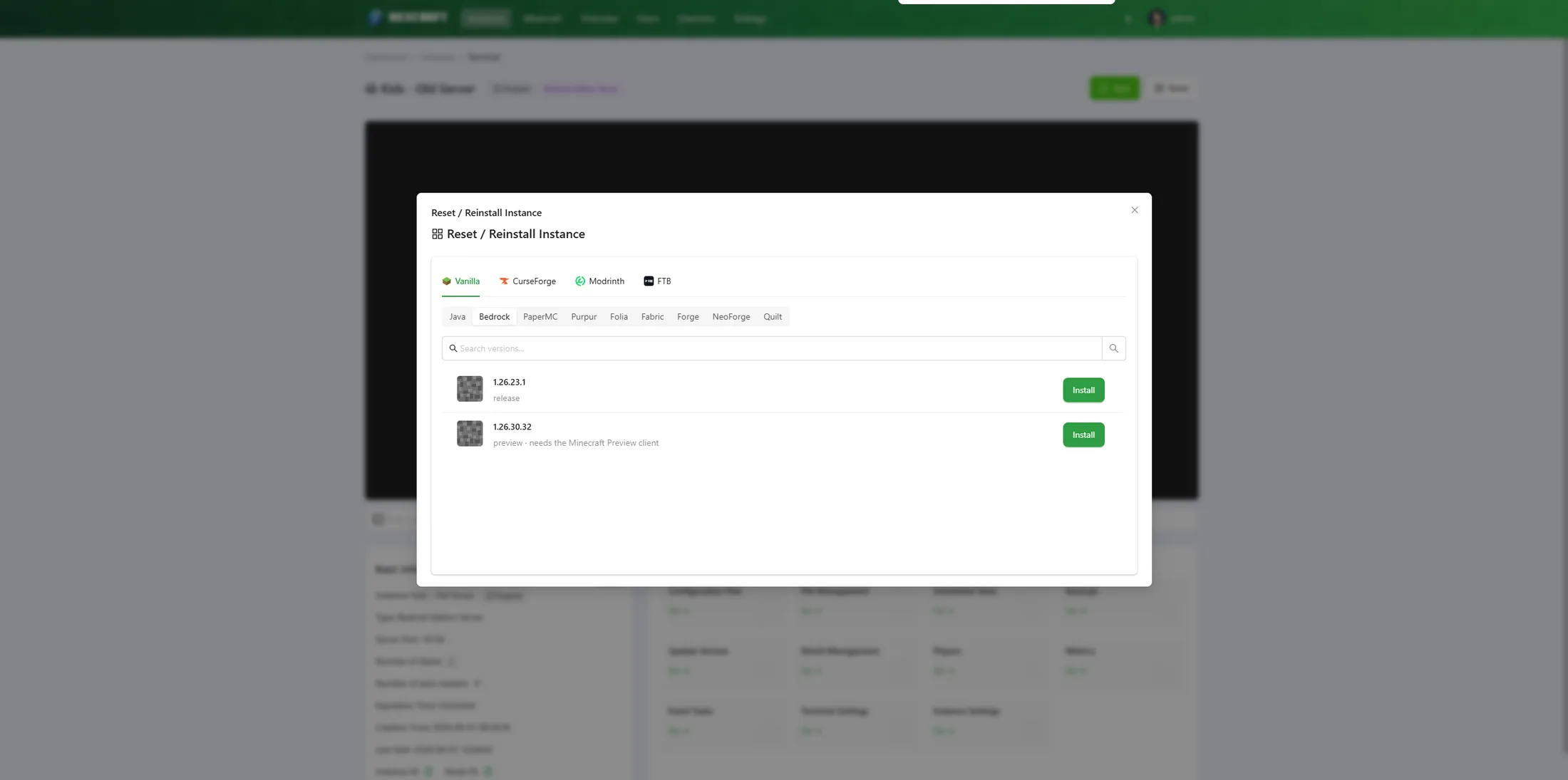
For a Bedrock server the reset is locked to the installed Bedrock version — it opens directly on that version's popup (no version browsing), so you just choose what to do with existing files and confirm:
You choose what to do with existing files:
| Mode | What happens |
|---|---|
| Auto-backup, then wipe (recommended) | A full backup is taken, then the instance folder is wiped and the pack is installed fresh. |
| Full wipe, no backup | The instance is wiped completely and reinstalled, with no backup. Fastest, but the current world and configs are gone. |
| Preserve world, replace the rest | Keeps the world, server.properties, ops/whitelist and icon; replaces mods, config and loader files. |
Notes:
- Backups live outside the instance folder, so a full wipe never deletes them.
- The EULA is pre-ticked on a reset (the instance already existed).
- A reset can switch the instance to a different pack/loader too — just browse to another one in the same dialog.
Tip: "Update" is for staying on the same pack and bumping its version (world-safe by default). "Reset" is for a clean rebuild or switching packs.