Introduction
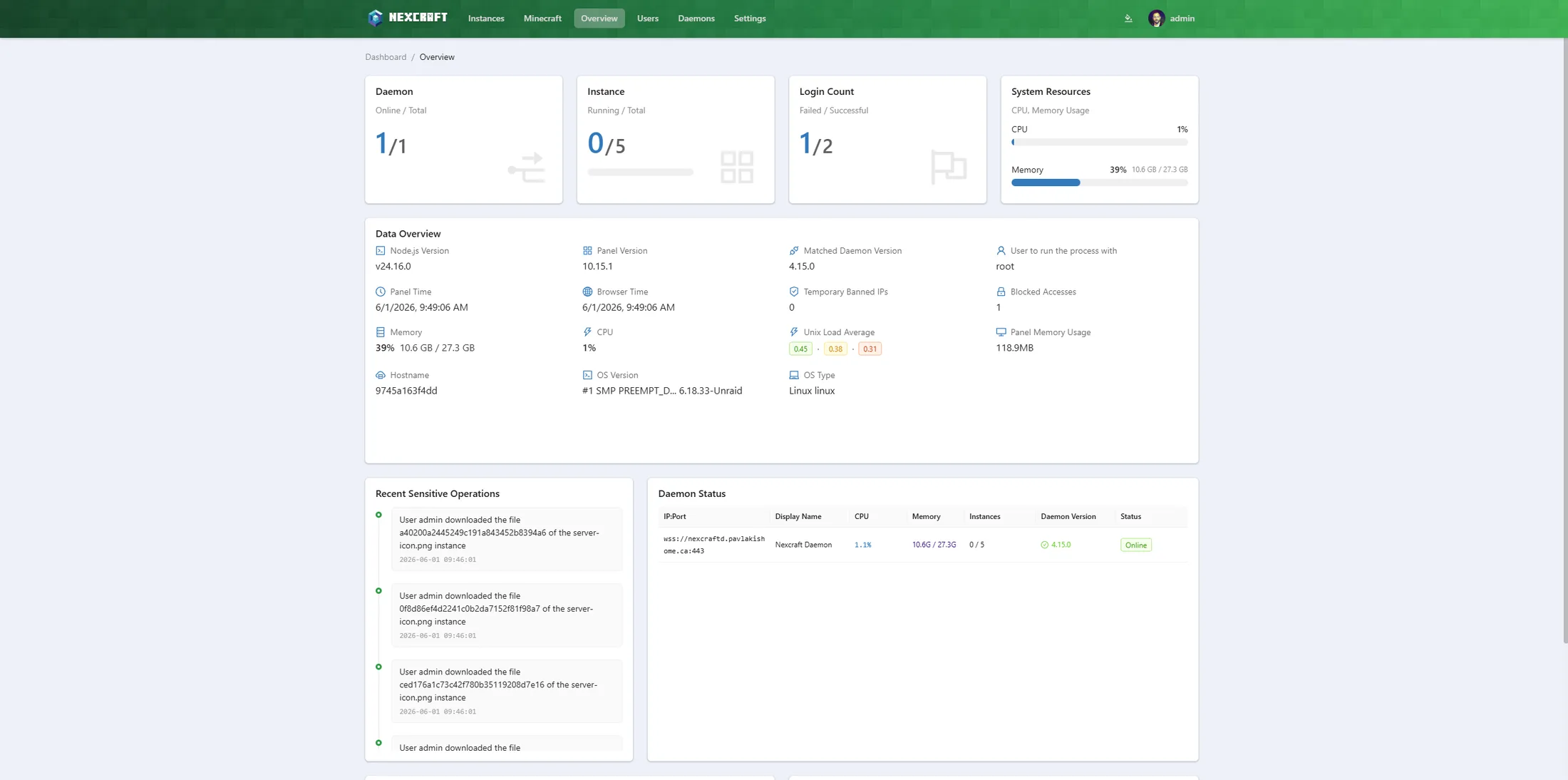
Welcome to the NexCraft docs. NexCraft is a self-hosted web panel for running Minecraft servers — search and install modpacks from CurseForge, Modrinth and FTB, build custom Java servers (Vanilla / Paper / Purpur / Folia / Fabric / Forge / NeoForge / Quilt), run Bedrock servers, and manage everything from one dashboard.
NexCraft supports both editions: alongside the Java builder and modpack installer, you can import and run a Bedrock server (it installs the latest Bedrock Dedicated Server and keeps your world, version-locked), with Bedrock-specific settings for server name, level and icon. The instances list badges each server by edition so the two are easy to tell apart.
NexCraft is built on the open-source MCSManager panel. For a general-purpose, multi-game/commercial panel, see upstream MCSManager and its docs at https://docs.mcsmanager.com/.
Contents
- Installation — run the panel and connect a node.
- Creating Minecraft Servers — the Minecraft builder and modpack browser.
- Updating & Resetting Modpacks — update a pack version or reinstall an instance.
- Managing an Instance — settings, MOTD, backups, players, metrics, Java.
- Troubleshooting / FAQ — common issues and fixes.
At a glance
| Area | What you get |
|---|---|
| Modpack browser | CurseForge / Modrinth / FTB / Custom, live search + version pickers, one-click install as a server |
| Loaders | Vanilla, Paper, Purpur, Folia, Fabric, Forge, NeoForge, Quilt — accurate versions from official APIs |
| Bedrock | Import & run Bedrock Dedicated Server (version-locked, world kept); Bedrock settings for server name / level / icon |
| Import | Bring an existing Java or Bedrock server in by uploading a .zip — auto-detected and reviewed before install |
| Mods & plugins | Per-instance manager — search Modrinth / CurseForge / SpigotMC, install, enable/disable, edit configs |
| Update | Bump an installed pack to a newer version; auto-backup, world preserved |
| Reset / Reinstall | Rebuild an instance with a choice of auto-backup then wipe, full wipe, or preserve world |
| Java | Auto-provisions a matching JRE (Adoptium / Azul Zulu) per pack |
| Backups | Manual + scheduled, with restore and exclusions |
| Players | RCON online list with op / kick / ban |
| Metrics | Per-instance CPU / RAM / players with zoom |
| Ports | Auto-assigns each instance its own free server port (Java + Bedrock) |
| Convenience | MOTD editor, server icon, autostart delay, shutdown timeout |
Note on Docker: NexCraft runs servers in host / general process mode only — running game servers inside Docker containers (an MCSManager feature) has been removed from the UI to keep things simple and Minecraft-focused. The panel itself is typically deployed via Docker (see Installation).
Make it yours
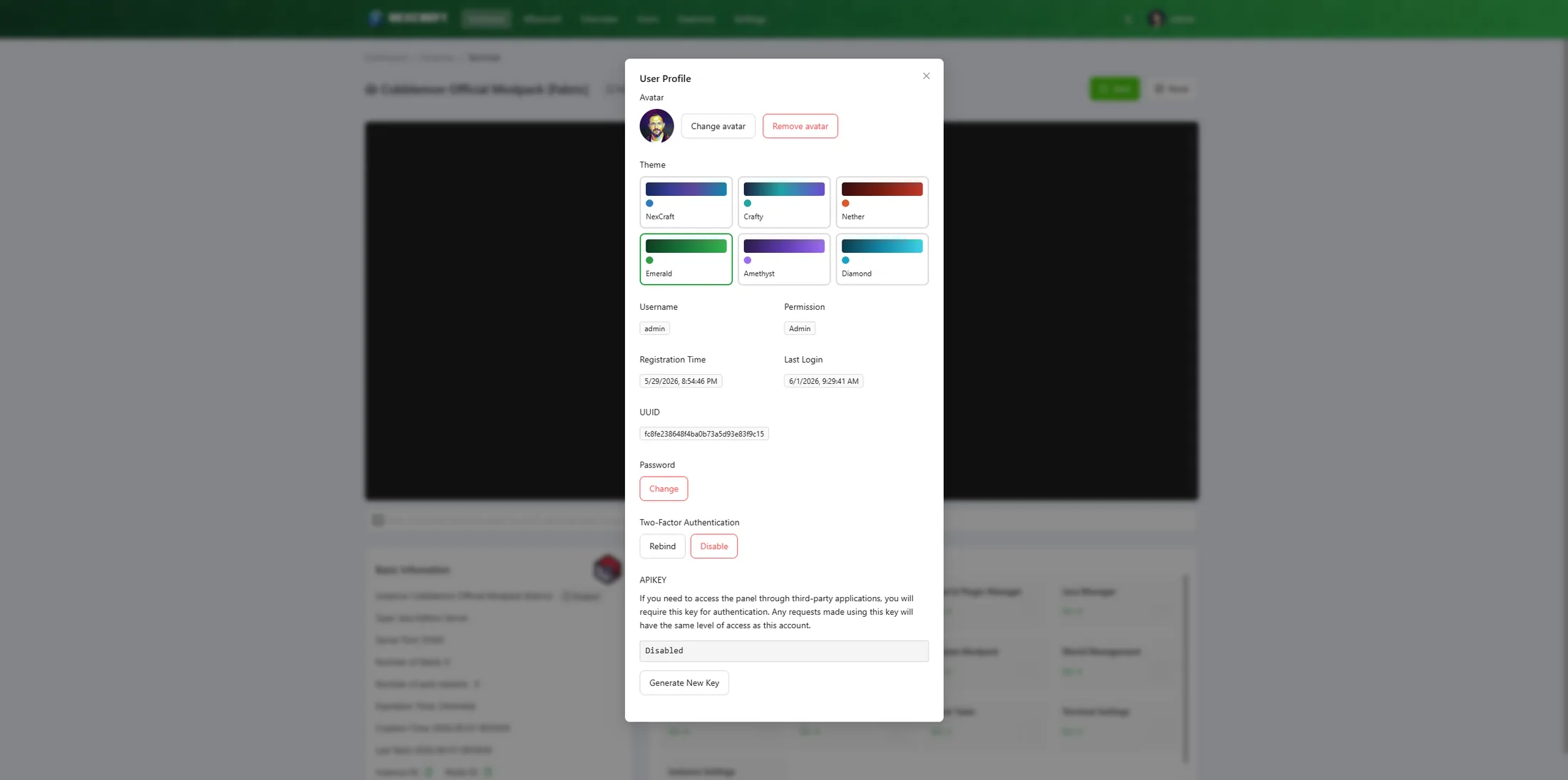
Each user gets a profile with a custom avatar and a choice of six built-in colour themes (NexCraft, Crafty, Nether, Emerald, Amethyst, Diamond). Light and dark mode toggle independently, so your theme colour stays the same in either brightness.